How to Find the Location of Any Photo (Geo-Location Tricks)
We live in a world overflowing with digital imagery. Every day, billions of photos are uploaded to the internet, capturing everything from mundane breakfasts to breaking global news events. But have you ever looked at a photograph online and wondered, "Where exactly in the world was this taken?"
Whether you are a journalist verifying the authenticity of war-zone footage, a cybersecurity researcher tracking a threat actor, or just a curious individual trying to find a beautiful hiking trail you saw on Instagram, the ability to geolocate a photograph is an incredibly powerful skill. This practice is formally known within the intelligence community as Open-Source Intelligence (OSINT) geolocation.
Interestingly, the exact same deductive reasoning skills required for OSINT are the ones you use when playing interactive geography games. When you drop into a random street in World Guesser, you are essentially performing a rapid, gamified version of an OSINT investigation.
In this comprehensive, 1500-word guide, we are going to bridge the gap between casual geography gaming and professional intelligence work. We will walk you step-by-step through the real-world tricks and methodologies used by professional investigators to find the location of any photo. Let’s dive into the ultimate geo-location toolkit.
1. Technical Analysis: Hunting for Metadata (EXIF Data)
Before you start squinting at the pixels in an image trying to identify a blurry street sign, you must first check if the image is secretly broadcasting its location. The fastest and most definitive way to geolocate a photo requires no visual deduction at all—it requires technical analysis of the file's metadata.
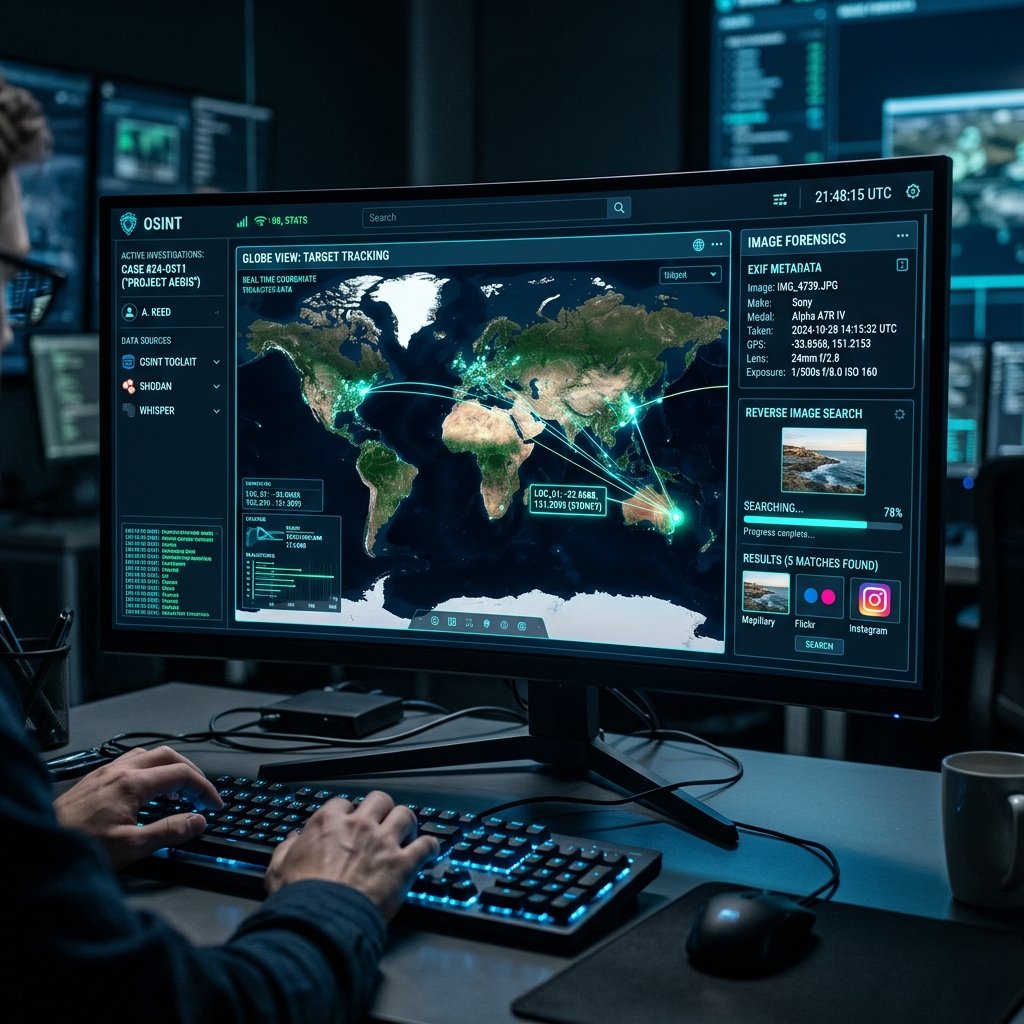
Most modern digital cameras and smartphones embed hidden information into every photo they take. This is known as Exchangeable Image File Format (EXIF) data. Depending on the device's privacy settings, EXIF data can contain a terrifying amount of information, including the exact make and model of the camera, the shutter speed, the date and time the photo was taken, and crucially, the exact GPS coordinates (latitude and longitude) of the device at the moment the shutter clicked.
- How to check EXIF Data: You don't need to be a hacker to read this data. You can simply right-click an image file on your computer, select "Properties" (Windows) or "Get Info" (Mac), and look at the details tab. Alternatively, professional OSINT investigators use tools like Jeffrey's Image Metadata Viewer or command-line tools like `ExifTool` to extract every hidden byte of data.
- The Catch: Social Media Scrubbing: If EXIF data is so powerful, why is geolocation still so difficult? The answer lies in social media platforms. When you upload a photo to X (formerly Twitter), Facebook, Instagram, or Reddit, those platforms automatically "scrub" (delete) the EXIF data to protect user privacy and save server storage. Therefore, EXIF data is usually only useful if you have the original, raw file directly from a camera, a personal blog, or certain forum uploads.
2. The Power of Reverse Image Search
If the EXIF data has been scrubbed, your next move is to leverage the immense power of search engine indexing. Reverse image searching is the process of uploading your mystery photo into a search engine to see if that exact image, or visually similar images, exist anywhere else on the internet.
Why is this helpful for geolocation? Because the photo might have been posted somewhere else with context. For example, a cropped image on Twitter might lead you to a full-resolution Flickr album titled "Our Trip to the Swiss Alps, 2024," instantly solving your geographical mystery.
No single search engine has indexed the entire internet perfectly, so professional investigators use multiple tools simultaneously to cross-reference results:
Google Lens & Google Images
The undisputed king of sheer volume. Google Lens is incredibly adept at recognizing famous landmarks, specific products, and even distinct species of plants or animals in your photo.
Yandex Visual Search
A Russian search engine that is widely considered by the OSINT community to have the most aggressive and accurate facial recognition and architectural matching algorithms in the world, particularly for Eastern European and Asian locations.
TinEye
TinEye doesn't look for "similar" images; it looks for exact pixel matches. It is fantastic for finding the original source of a heavily edited, cropped, or watermarked image.
Bing Visual Search
Often overlooked, Bing sometimes indexes completely different segments of the internet than Google and offers excellent "crop-and-search" functionality for focusing on tiny background details.
3. Manual Geolocation: Finding the Visual Clues
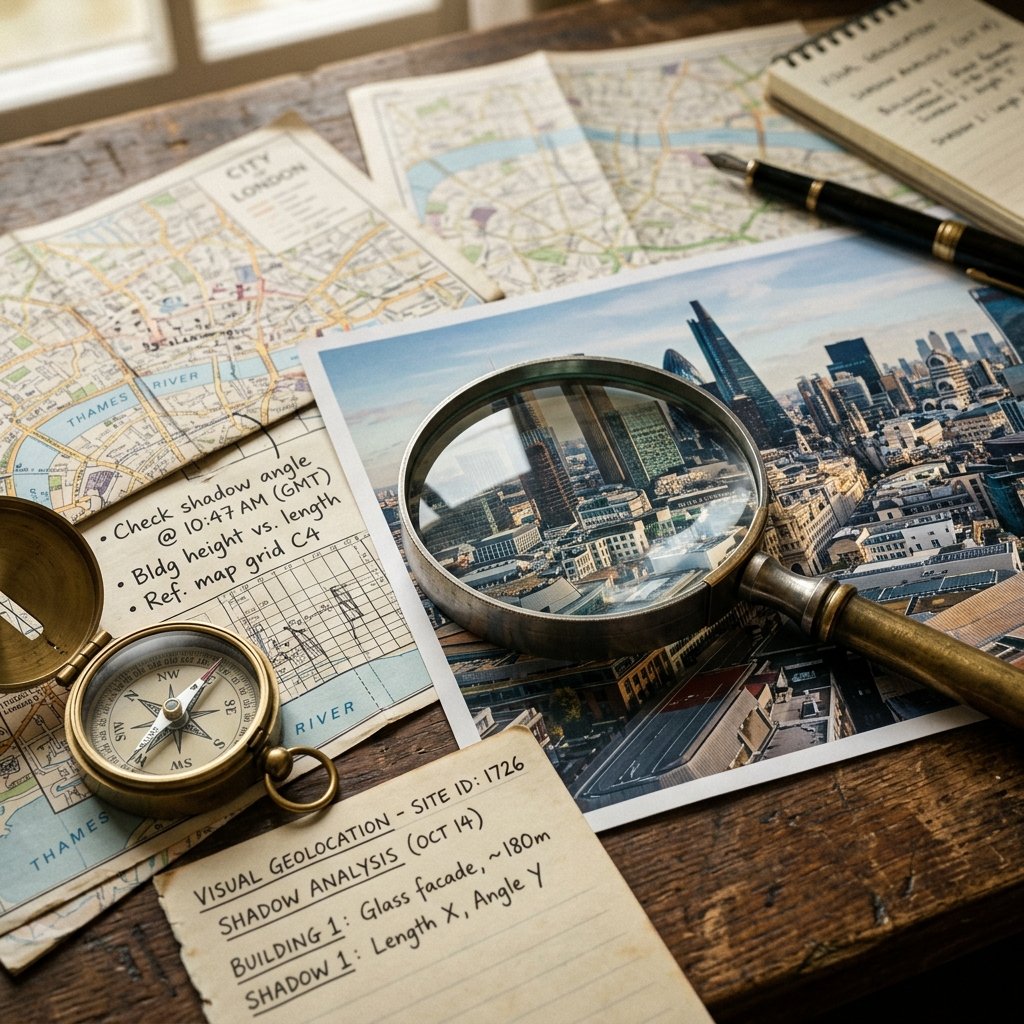
If metadata is missing and reverse image search turns up nothing, you enter the true realm of OSINT deduction: manual visual geolocation. This is where you treat the photograph like a crime scene, analyzing every pixel for contextual clues. This exact process is what you practice when you play geography guessing games.
Architecture and Infrastructure
Human infrastructure varies wildly across the globe. The design of a street lamp, the shape of a fire hydrant, or the paint color of a pedestrian crossing can immediately eliminate entire continents from your search. Are the utility poles made of wood with horizontal crossbars, or are they hollow concrete cylinders? Is the road paved with asphalt, or does it feature historic cobblestones?
Text, Signage, and Language
Language is one of the most definitive clues available. If you see a billboard, a storefront, or a graffiti tag, zoom in. What alphabet is being used? Cyrillic narrows you down to Eastern Europe and Central Asia. Arabic script points toward the Middle East or North Africa. Even if you can't read the language, the characters themselves are massive giveaways.
Furthermore, look at the domain extensions on storefront advertisements. If a van has a website printed on the side ending in ".au," you are almost certainly looking at Australia. This is a common strategy when playing a flag guesser or geography game where domain suffixes frequently give away the exact country.
Environmental Features and Topography
Nature has its own fingerprint. Analyze the flora and fauna. Palm trees and arid, red dirt suggest a tropical or desert climate like Northern Australia or parts of Africa. Dense pine forests and rugged, snow-capped mountains might indicate Scandinavia or the Pacific Northwest of North America. What does the coastline look like? Is the sand white, black, or rocky? Even the color of the soil can be matched to geological soil maps.
Shadow Analysis and Chronolocation
This is where advanced OSINT analysts separate themselves from amateurs. By analyzing the length and direction of shadows in a photograph, you can determine not just where a photo was taken, but when. This is called chronolocation.
Using free tools like SunCalc.org, investigators can map the trajectory of the sun at any point on earth, on any date in history. If you know a photo was taken at noon, and the shadows are pointing due north, you know the photo must have been taken in the Northern Hemisphere. If you want to practice dating vintage photos without EXIF data, checking out historical challenges in Time Guessr is a fantastic way to train your eye for chronological context.
4. Mapping and Ground-Truth Verification
Once you have gathered your visual clues—perhaps you've deduced you are in a French-speaking country, near a coast, with distinct colonial architecture—it is time to verify your hypothesis using satellite imagery and street-level mapping tools.
Google Earth Pro is the ultimate tool for this stage. It allows you to view the earth in 3D, meaning you can tilt the camera to match the exact perspective and elevation of the original photograph. If your mystery photo shows a cathedral in the foreground and a distinct mountain peak in the background, you can use Google Earth to draw a line of sight between those two landmarks to find the precise spot the photographer must have been standing.
Once you have a suspected coordinate, you drop into Google Street View or alternative services like Mapillary (which features crowd-sourced street imagery) to confirm the location. If the shop fronts, road markings, and building facades match your original image pixel-for-pixel, you have successfully "ground-truthed" the location.
5. Important Ethical Considerations in OSINT
While learning how to geolocate images is a fascinating intellectual exercise, it comes with significant ethical responsibilities. OSINT tools are incredibly powerful, and in the wrong hands, they can be weaponized to stalk, harass, or endanger individuals.
- 1.Respect Privacy: Never use geolocation techniques to track private individuals, find their home addresses, or expose their personal routines without their explicit consent.
- 2.Do No Harm: In conflict zones, posting the geolocation of troop movements, civilian shelters, or supply lines can lead directly to real-world casualties. Responsible OSINT analysts often delay publishing locations until the information no longer poses an immediate threat.
- 3.Legal Compliance: Always ensure your investigative techniques comply with local privacy laws and platform terms of service. Do not attempt to bypass security protocols or hack into private servers to retrieve metadata.
Ready to Practice Your Geolocation Skills?
Geolocation is a skill that takes years to master, requiring a blend of technical know-how, geographical knowledge, and relentless curiosity. The best way to improve is through constant, safe practice.